 EasyPOS-kiosko
Your website full screen, always running
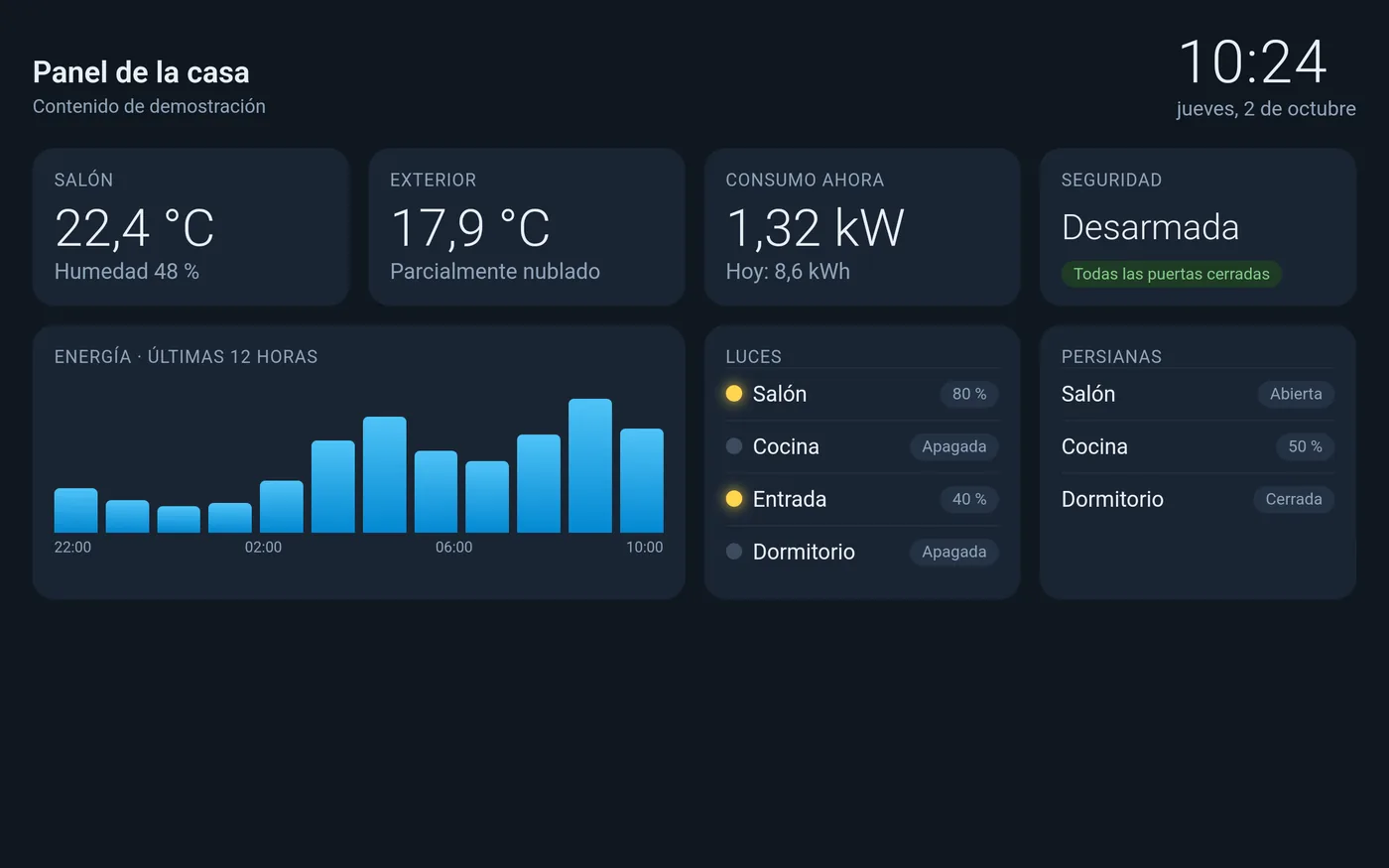
EasyPOS-kiosko turns an Android tablet into a fixed display for your smart-home dashboard, order screen or KPI board. No bars, no distractions, no need to touch it.
Built to run on its own
Everything a tablet on a wall or a counter needs, day and night.
Full screen
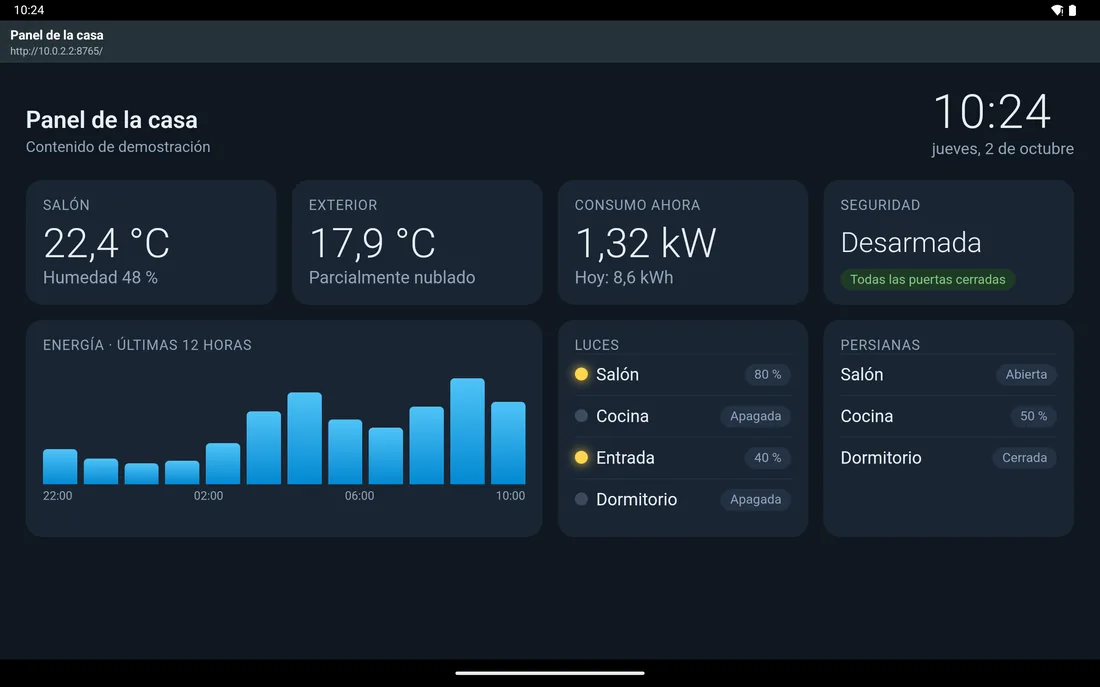
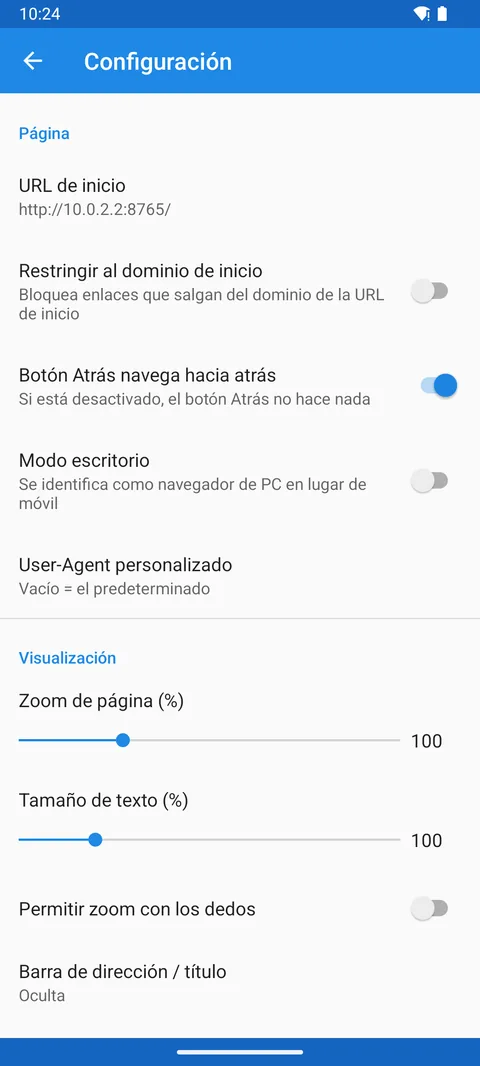
Shows the web address of your choice with no bars or menus. Adjustable zoom, text size and orientation.
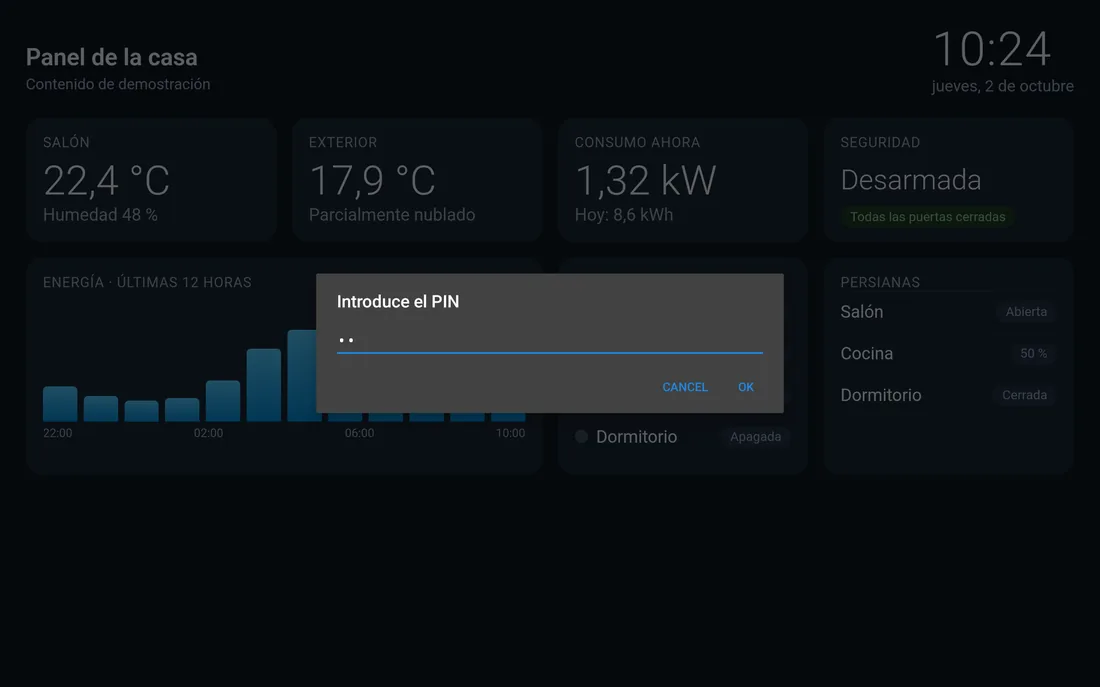
Hidden menu with PIN
Settings open by tapping a screen corner several times, and can be protected with a PIN.
Self-healing
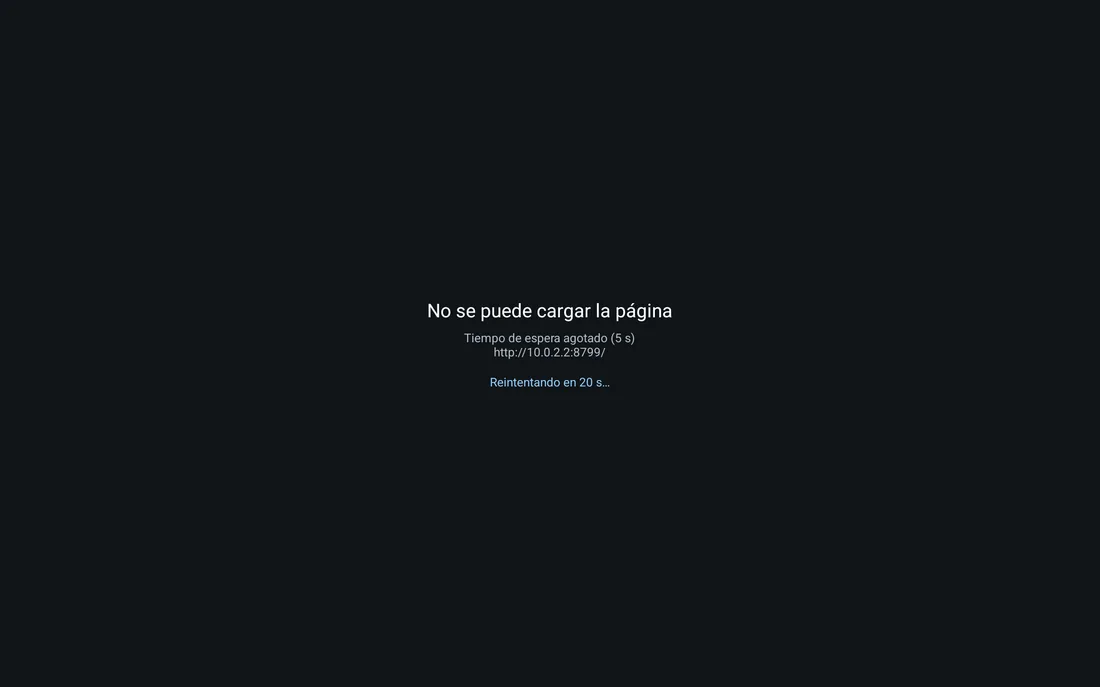
If the app crashes or freezes, a watchdog reopens it. If the connection drops, it shows a notice and retries.
Auto start
Opens by itself when the tablet is switched on, including after a power cut.
Wakes up as you approach
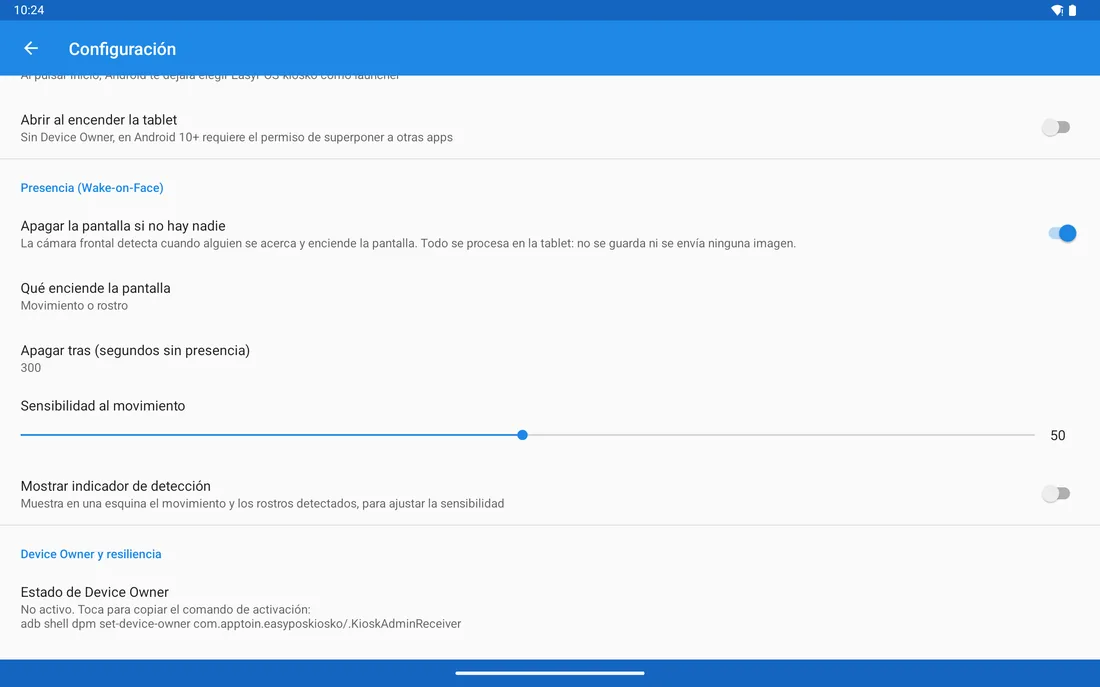
The screen goes black when nobody is around, preventing burn-in, and wakes up when it detects motion or a face.
Real kiosk mode
Pin the app on screen or use it as the home screen. On dedicated tablets, full system lockdown as device owner.
See it in action
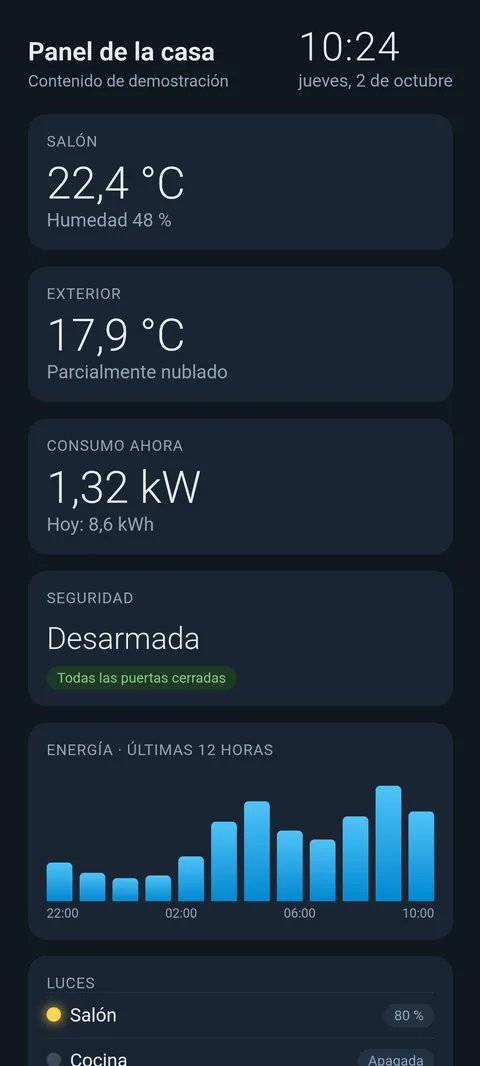
Real screenshots of the app (interface in Spanish). The page shown is a demo: you choose which website is displayed.
Your privacy, untouched
No ads, no analytics, no accounts. The camera is only used if you enable wake-on-presence, and frames are analysed on the tablet itself and discarded immediately: never stored or sent anywhere. Privacy policy.
FAQ
Anything else? Write to info@apptoin.com.
Which pages can I show?
Any web address reachable from the tablet: a smart-home dashboard, an order or POS system, a KPI board, a digital menu… EasyPOS-kiosko has no content of its own; it shows the page you configure.
How do I open the settings menu?
Tap the top-left corner of the screen 5 times in a row, within 3 seconds. The corner and number of taps can be changed in the menu itself.
I forgot the PIN. What now?
For security there is no way around it. Go to Android Settings → Apps → EasyPOS-kiosko → Storage → Clear data. The app returns to its initial setup, with no PIN.
Why does it ask for "Display over other apps"?
Since Android 10, an app can only reopen by itself (at startup or after a crash) if it has that permission or is the device owner. The app never draws over other apps: it only uses it to come back to the screen.
What is device owner mode?
An Android mode for dedicated tablets that allows a full system lockdown: notification shade, home button, system dialogs and updates. It is enabled once, on a freshly reset tablet. Step-by-step instructions (in Spanish) are in the setup guide.
Does the camera record or send images?
No. Presence detection is off by default. If you turn it on, the app analyses low-resolution frames in the tablet's memory to tell whether someone is in front of it, and discards them at once. Nobody is identified and nothing leaves the device.
What happens if the connection or server goes down?
The app shows a notice and retries every few seconds. If the server doesn't respond, after the maximum load time (30 seconds by default) it also shows the notice and retries, instead of staying black.